
Installation
Prerequisites
Installation Guide
Disable Anti-Virus
Disable any Anti-Virus software including Windows Defender temporarily.
Download Xenos Injector
Download Xenos Injector from the official GitHub repository.
Download Exodus
Download Exodus RDR2 from your Exodus library.
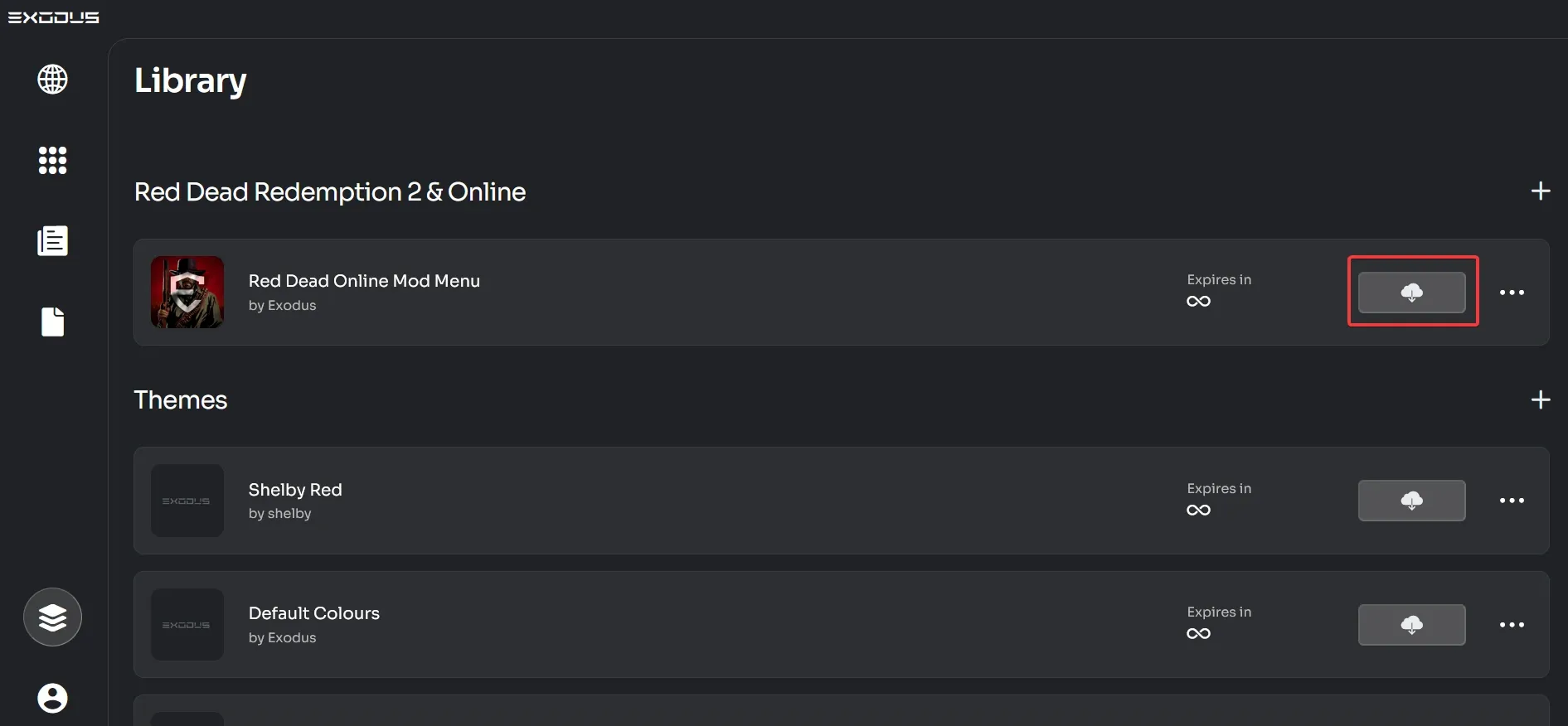
Extract Xenos
Extract Xenos from Xenos_2.3.2.7z using a free file archiver like 7-Zip or WinRAR.
Add Exclusions
Add an exclusion for the Xenos folder/Xenos64.exe and the Exodus DLL to Windows Security or other Anti-Virus software.
Open Xenos
Open the 64-bit Xenos injector (Xenos64.exe) and add the downloaded Exodus DLL by either pressing Add or simply dragging and dropping the .dll into Xenos64.
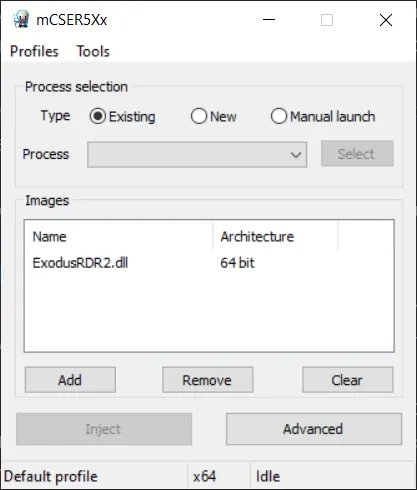
Start the Game
Start Red Dead Redemption 2.
Select Freemode
Select Freemode in the Online Main Menu.
Inject
After 10 seconds, select RDR2.exe as process in the Xenos Injector and click Inject.
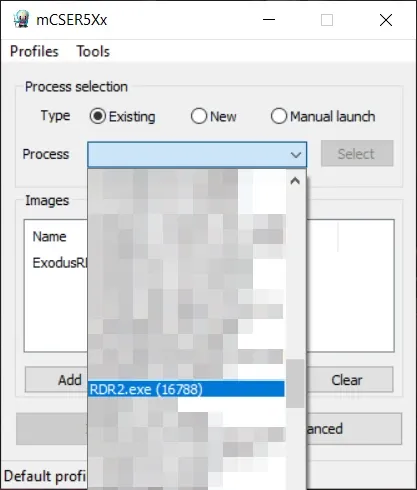
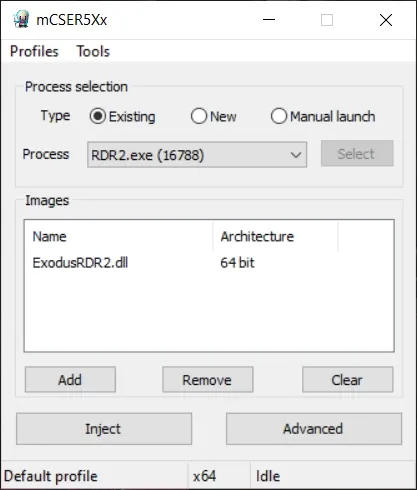
Enter Credentials
Wait until a console window opens asking you to enter your account information in Credentials.json.
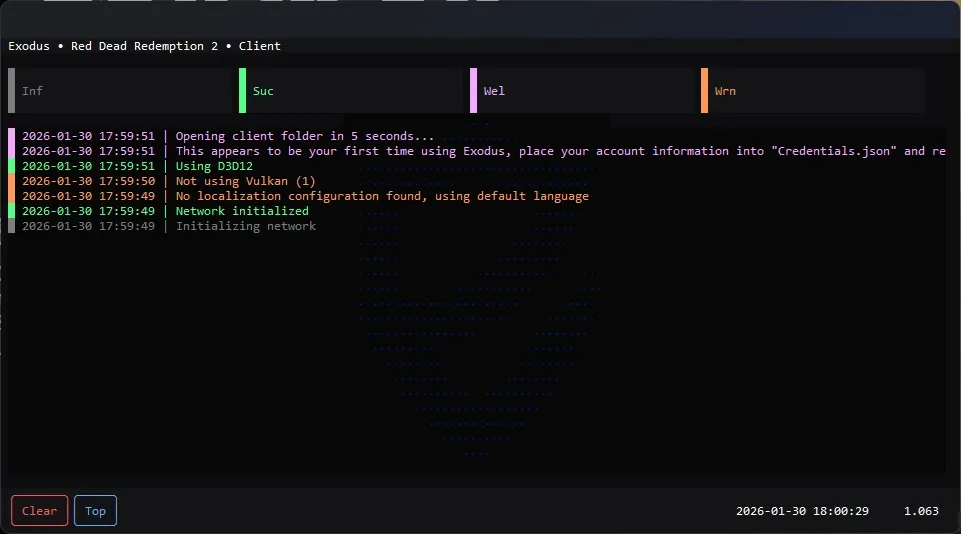
Open Client Folder
The client folder should be opened automatically, if not, either go to C:\Users\YOURUSER\AppData\Roaming\Exodus Client or press Win+R and enter AppData\Roaming\Exodus Client.
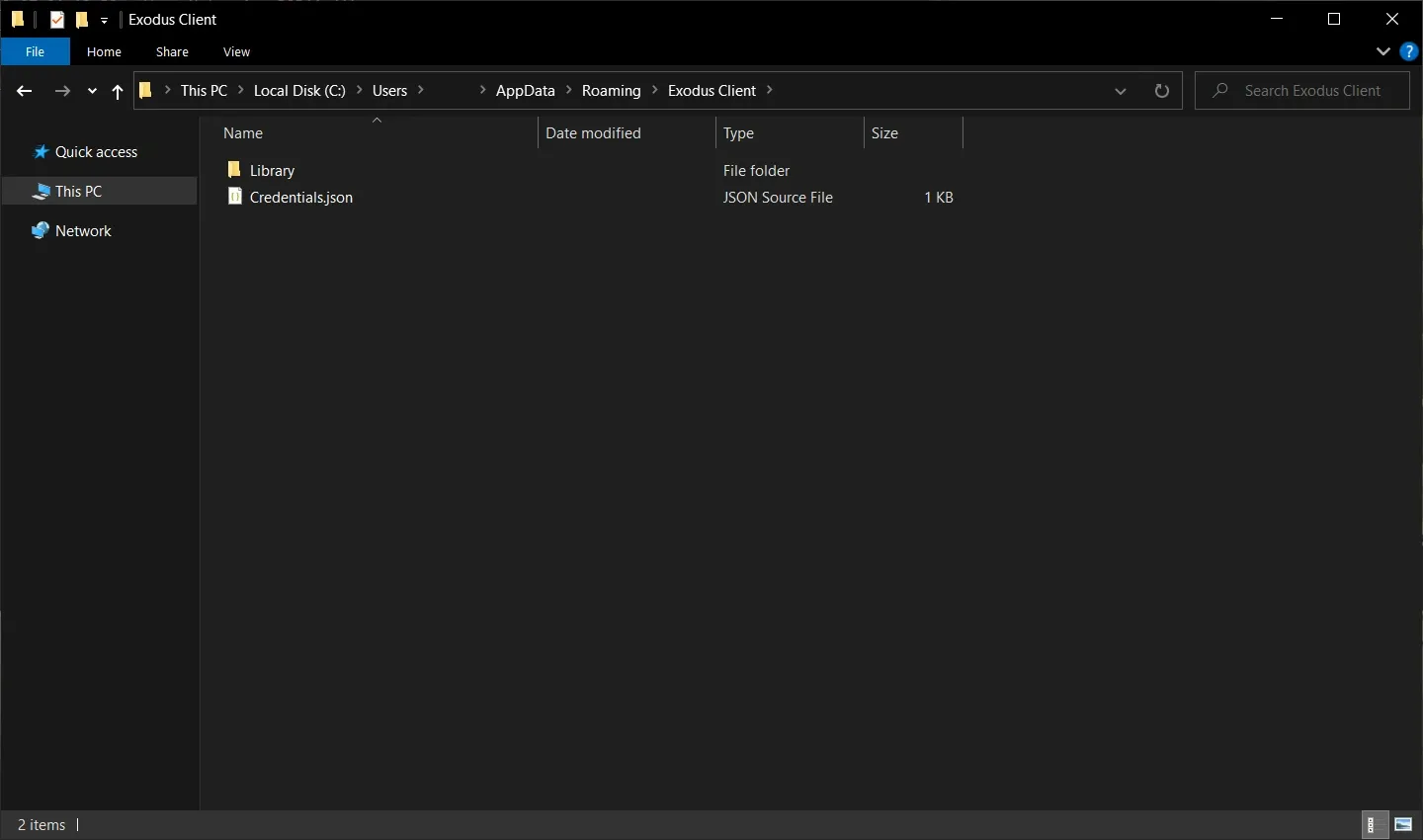
Edit Credentials
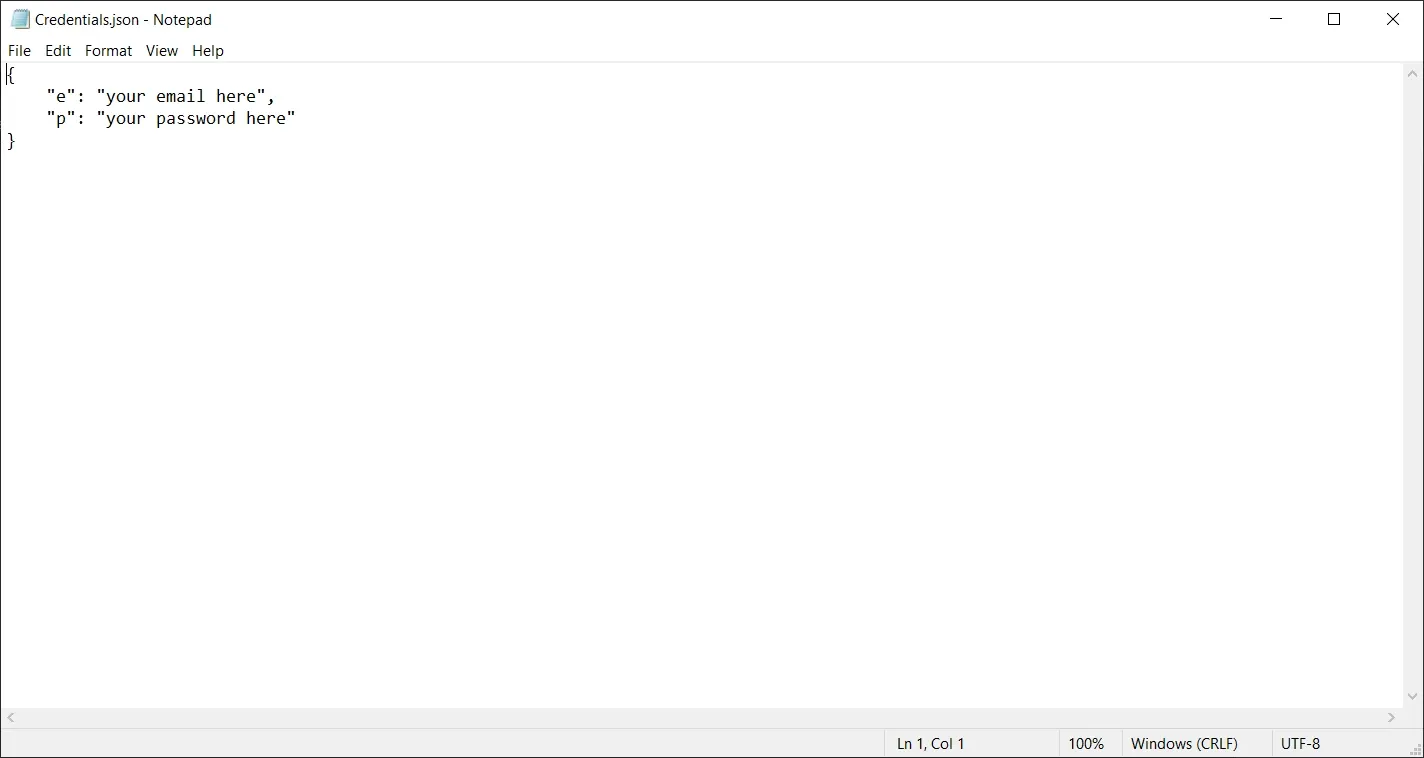
Open Credentials.json with Notepad or a text editor of your choice and fill in your account information:
{
    "e": "your email here",
    "p": "your password here"
}
Replace your email here with the email address you used to sign up to Exodus and your password here with your Exodus password.
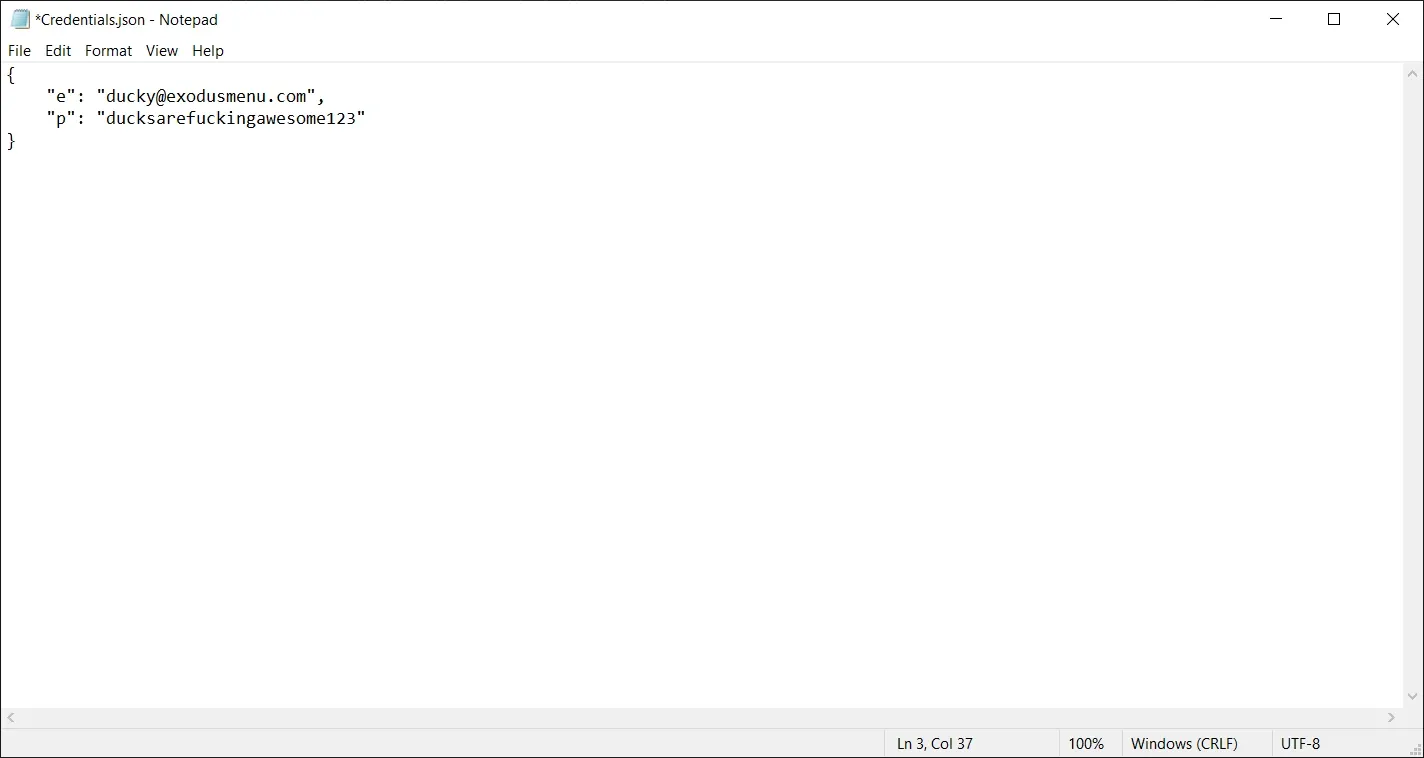
Save and Inject
Save the changes you just made by pressing Ctrl+S.
Done! All you have to do now is inject again.